
What’s Included in an Installation With a Professional Home Security System Installer in Pensacola, FL
A professional home security installation involves a lot more than mounting a camera and calling it a day. Homeowners across Escambia County are discovering that working with a qualified home security system installer means going through a structured, multi-step process designed to protect their specific property. This guide walks through every stage of that process so you know exactly what to expect.
The Process Starts With a Site Assessment
A proper installation always begins with a thorough evaluation of your home. A trained home security system installer will walk the full perimeter of your property, check entry points like doors and windows, and identify vulnerabilities that might not be obvious to the untrained eye. In Pensacola, that assessment often factors in the region's humidity, coastal wind exposure, and storm-season conditions that can affect equipment placement and durability.
During this visit, the installer may also ask about your daily routines, whether you have pets, and whether your home is part of a community with HOA guidelines. Some Pensacola-area neighborhoods have specific rules about exterior-mounted equipment, so discussing this early can prevent complications during installation.
What Equipment Gets Selected and Why
Equipment selection follows directly from the site assessment. A good home security system installer will recommend a combination of components based on your home's layout and your protection priorities. Common components included in a professional residential installation may include the following:
- Door and window contact sensors that trigger alerts when opened unexpectedly.
- Motion detectors placed in high-traffic interior zones like hallways and living areas.
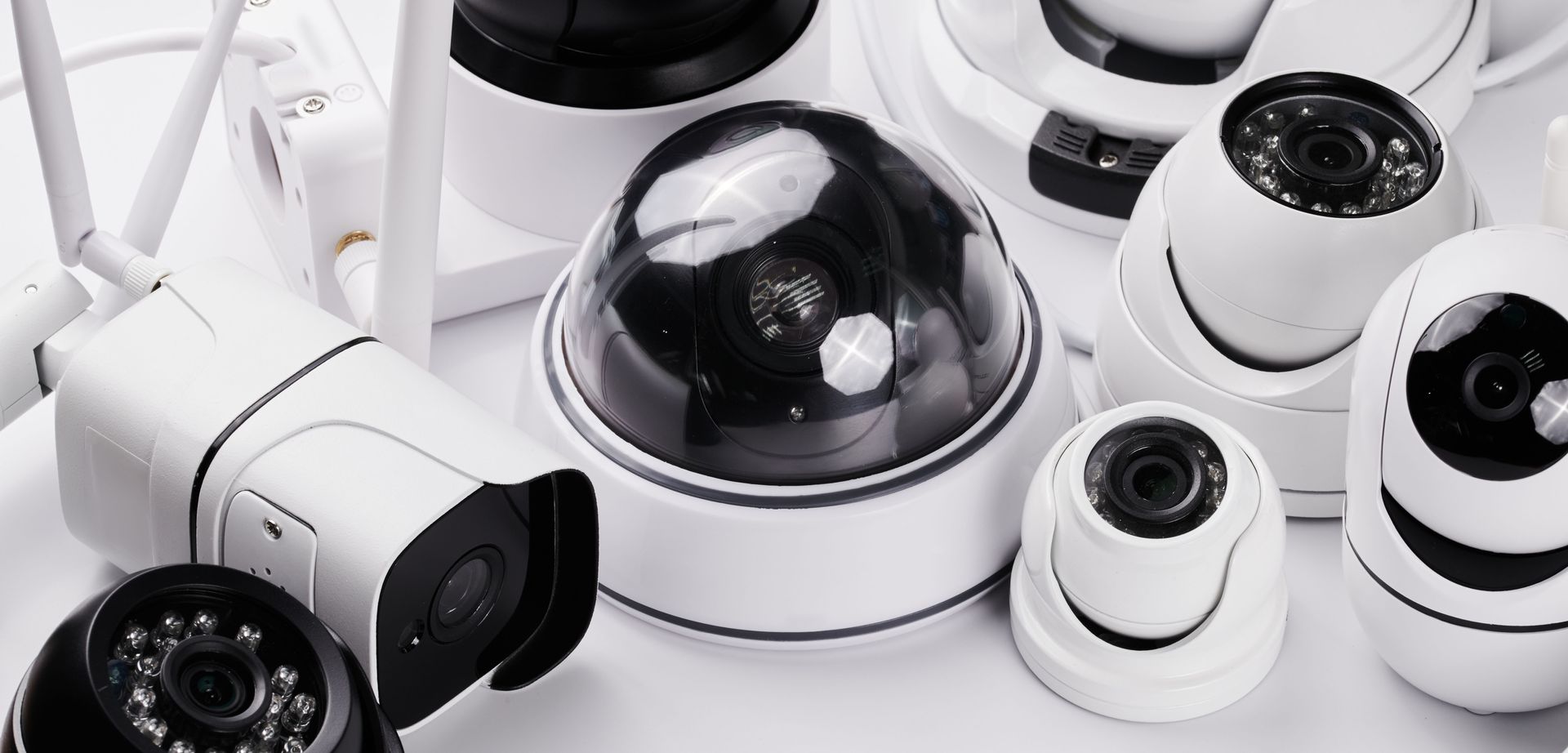
- Indoor and outdoor security cameras positioned to cover entrances, driveways, and blind spots.
- Glass break detectors for rooms with large windows or sliding doors, which are common in Pensacola homes near the bay or Gulf.
- Smoke and carbon monoxide detectors integrated into the overall alarm system.
- A central control panel and keypad for arming, disarming, and managing the system.
- Smart home components like video doorbells or remote-access apps that allow monitoring from any location.
The goal is a layered system where multiple technologies work together rather than relying on any single device.
Wiring, Placement, and the Installation Day
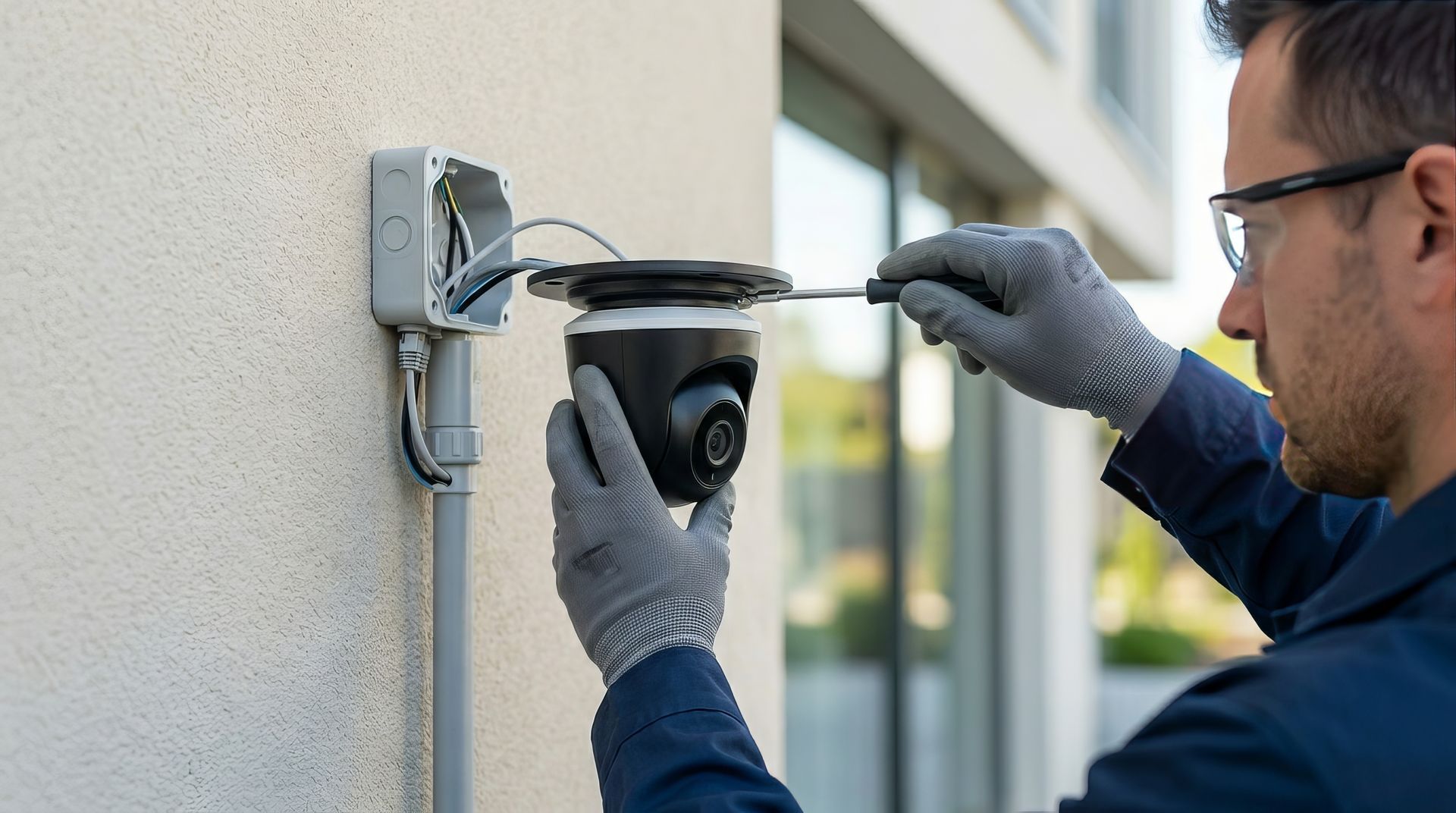
On installation day, a professional crew handles all wiring, mounting, and configuration. Unlike DIY setups, a licensed home security system installer follows structured wiring practices that keep runs clean, reduce interference, and make future servicing far easier. In older Pensacola homes, especially those in historic districts like East Hill or North Hill, proper wiring pathways may require additional care to avoid disrupting original construction materials.
Camera placement is treated with particular attention. The installer will account for sun angle, shadow zones, and storm-season conditions when positioning outdoor units. Pensacola's afternoon storms can cause glare or water interference if cameras are placed without considering local weather patterns. Equipment selected for Gulf Coast installations is often chosen with humidity and salt-air exposure in mind.
Smart home integrations are configured during this phase as well. You can explore the range of lifestyle and energy management options that may be added to a security installation, including smart thermostats, remote lighting, and video doorbells.
Monitoring Setup and How It Works
Professional monitoring is one of the clearest advantages of hiring a qualified home security system installer over a self-installed system. Once equipment is in place, the system is connected to a 24/7 monitoring center. When an alarm triggers, trained monitoring staff can verify the alert and contact you or emergency services as needed.
In Pensacola, monitoring can be especially valuable during hurricane season when homeowners may evacuate and need remote awareness of their property. Many systems allow app-based control, so you can arm or disarm your system, check live camera feeds, and receive alerts regardless of where you are.
Monitoring terms, coverage levels, and response protocols may vary by provider. A professional home security system installer will walk you through exactly what your monitoring plan includes before anything is activated.
The Post-Install Walkthrough
Before a professional crew leaves, they conduct a full walkthrough with you. This step is often overlooked in DIY installations but is critical for homeowner confidence. The walkthrough covers how to arm and disarm the system, what each alert type means, how to access the app, and what to do in the event of a false alarm.
In Escambia County, local false alarm ordinances may apply. Excessive false alarms can result in fines or delayed emergency response, so understanding your system fully from the start helps avoid those situations.
The installer may also explain routine maintenance steps, such as checking battery levels in wireless sensors and keeping camera lenses clear of debris after storm events.
Get Your Estimate Today!
When it comes to protecting your Pensacola home, choosing the right team of home security system installers makes all the difference. TSI Alarms & Audio serves Pensacola, FL, and surrounding Escambia County communities with professional home security installations tailored to each property. We take every project from the initial site assessment through post-install training so you always feel confident in your system. Our process is thorough, our equipment is reliable, and our team is here to answer questions long after installation day.
Ready to get started?
Contact us today to schedule your estimate. You can also check our
Google profile for reviews and updates from homeowners across the Pensacola area.
Professional vs. DIY Home Security System Installer: What Coastal Mobile, AL, Homeowners Should Know


![White wall-mounted security camera with infrared night vision LEDs.]](https://irp.cdn-website.com/c5868246dbec441a886b757a2d8eb9a1/dms3rep/multi/opt/GettyImages-2229542545-1920w.jpg)

